Brake Rotor Replacement: Signs It's Time and DIY
Your brake rotors are done when braking feels wrong in a way new pads alone will not fix. If the pedal pulses under your foot, the steering wheel shakes when you slow down, or you hear grinding that does not go away, the rotors are the prime suspect. Pads wear out first, but rotors wear out too, and putting fresh pads on ruined rotors just ruins the fresh pads.
Signs Your Rotors Are Done
One symptom on its own can have another cause, but two or three together point straight at the rotors.
Pulsation in the brake pedal. This is the classic one. You press the brake at highway speed and the pedal throbs under your foot, sometimes with the whole car surging slightly as you slow. That rhythmic pulsing usually means the rotor surface is no longer even, so the pads grab harder and softer as the disc spins.
Steering wheel shake when braking. If the wheel shudders only while you are braking, and the car drives smooth otherwise, the front rotors are the likely cause. A shake that shows up while driving without touching the brakes is a different problem, usually tires or alignment.
Grinding that will not quit. A short scrape on the first stop of a damp morning is often just surface rust wiping off, and it goes away in a stop or two. Grinding that stays means metal is meeting metal somewhere. Worn-out pads can gouge a rotor fast, so do not keep driving on it hoping it clears up.
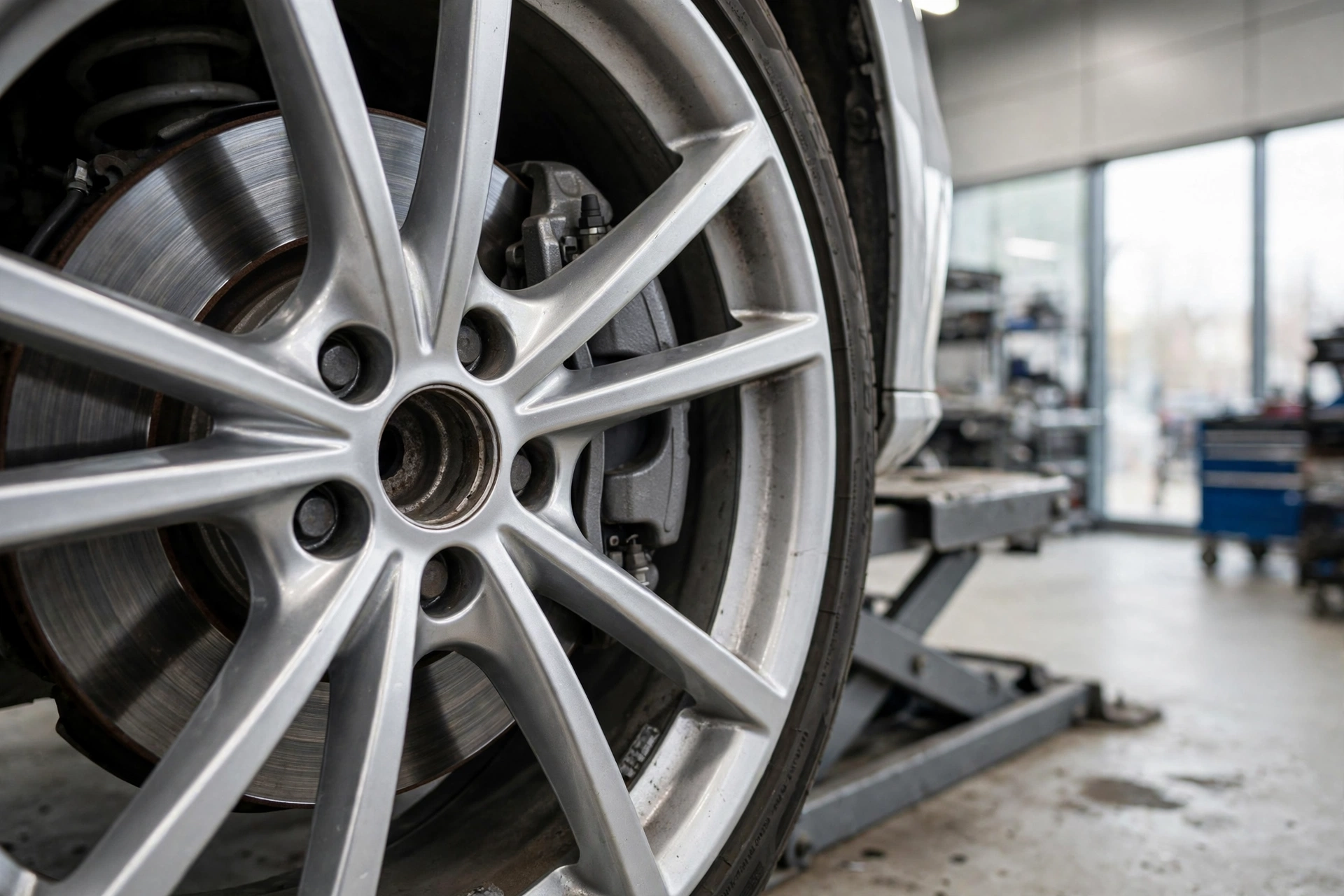
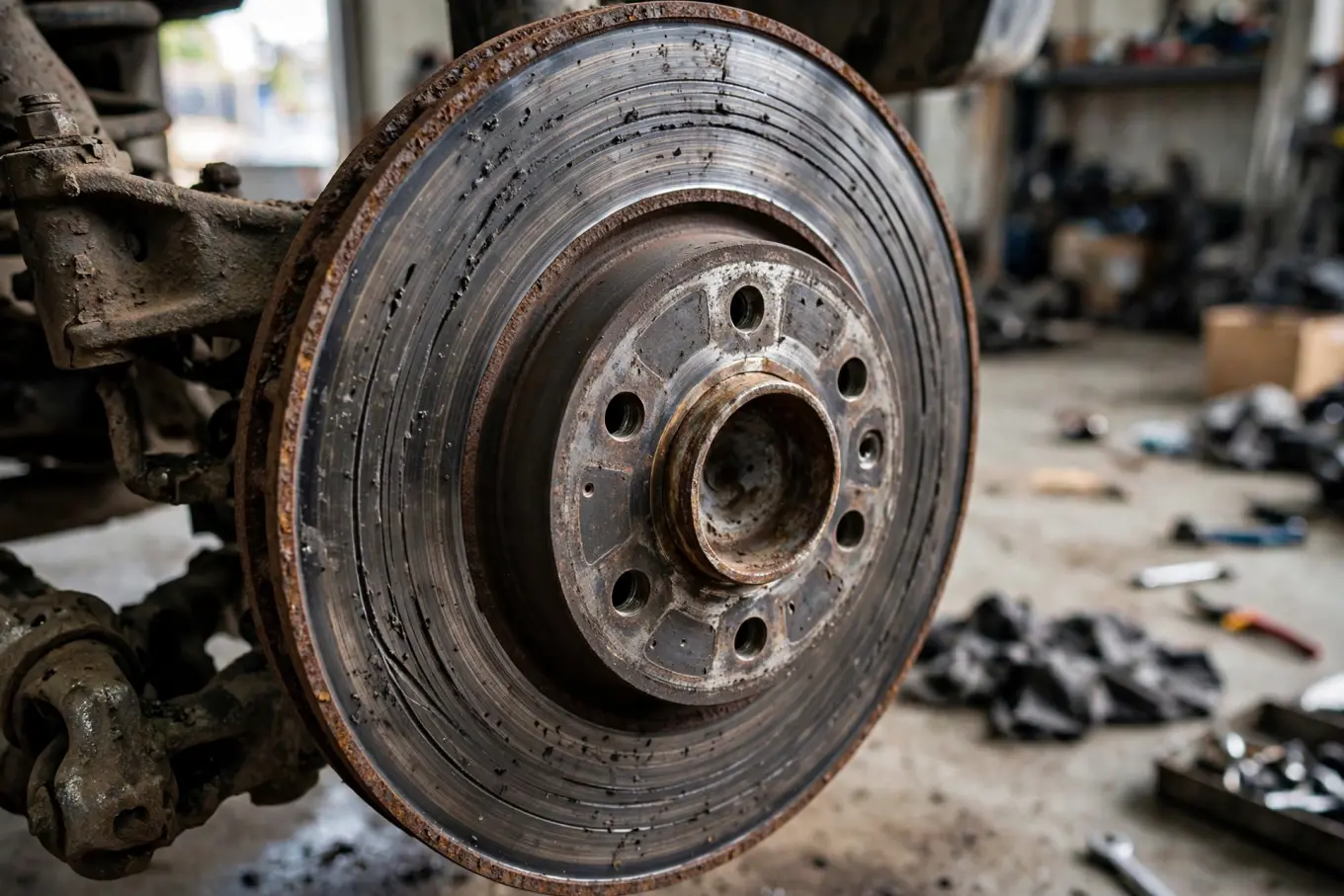
Visible grooves, scoring, or a lip on the edge. Look through the wheel spokes at the rotor face. A healthy rotor looks fairly smooth and even. Deep grooves, heavy scoring, or a raised rusty lip around the outer edge all mean the rotor has lived a hard life. A lip you can catch with a fingernail is a sign of real wear.
Cracks or blue heat spots. Fine cracks around the drilled holes or the outer edge, or bluish-purple discoloration on the rotor face, mean the rotor has been overheated. A cracked rotor is not a wait-and-see item. It needs to come off.
Longer, vaguer stops. Rotors that are glazed or badly worn do not bite the way they should. If stopping distances feel longer than they used to, worn rotors belong on the suspect list.
What Wears Rotors Out
Heat is the main enemy. Every stop turns motion into heat in the rotor, and repeated hard braking, long downhill stretches, and stop and go traffic cook rotors harder than easy highway driving. Over time that heat cycling warps the disc and changes the surface.
Worn pads are the second cause. Once the friction material is gone, the metal backing plate grinds directly into the rotor and chews grooves into it in short order. This is why ignoring squealing pads turns a cheap pad job into a pad and rotor job.
Rust does the rest. Cars that sit for days or weeks, especially in wet or salty climates, grow rust on the rotor faces. Light rust wipes off in a stop or two. Heavy rust pits the surface, and that roughness eats pads unevenly from then on.
How to Check Your Rotors Yourself
You can do a useful rotor inspection in your driveway with no tools beyond a flashlight. Work on cool brakes only. A rotor right after driving is hot enough to burn you.
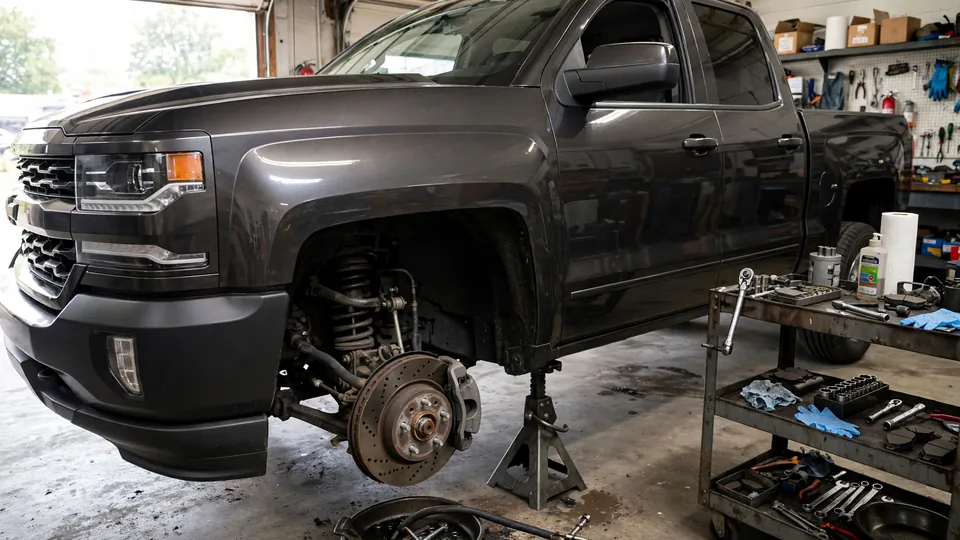
- Park on flat ground, set the parking brake, and chock a wheel. Loosen the lug nuts slightly, then jack up one corner and support it on a jack stand. Never work under a car held up by a jack alone.
- Remove the wheel so you can see the rotor face clearly. If you do not want to pull the wheel, you can see a fair amount through the spokes with a flashlight, but a full look needs the wheel off.
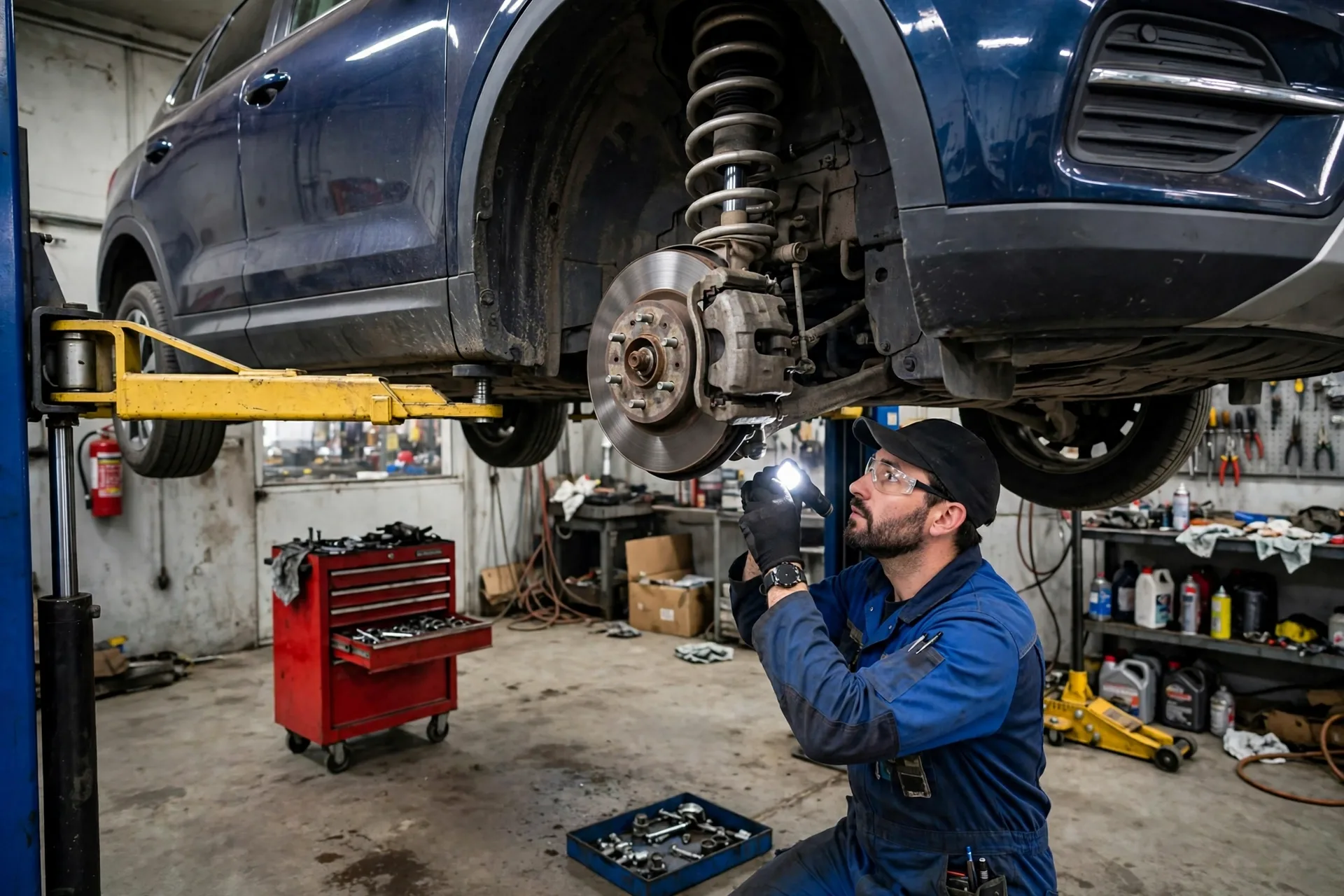
- Inspect the rotor face. Look for deep grooves, scoring, cracks, heavy rust pitting, and blue heat discoloration. Run a fingertip lightly across the face, feeling for ridges, and check the outer edge for a raised lip.
- Check the pads while you are there. If the pads are worn to the metal, the rotors almost certainly took damage too. Rotors and pads wear as a pair, and judging one without the other misses half the story.
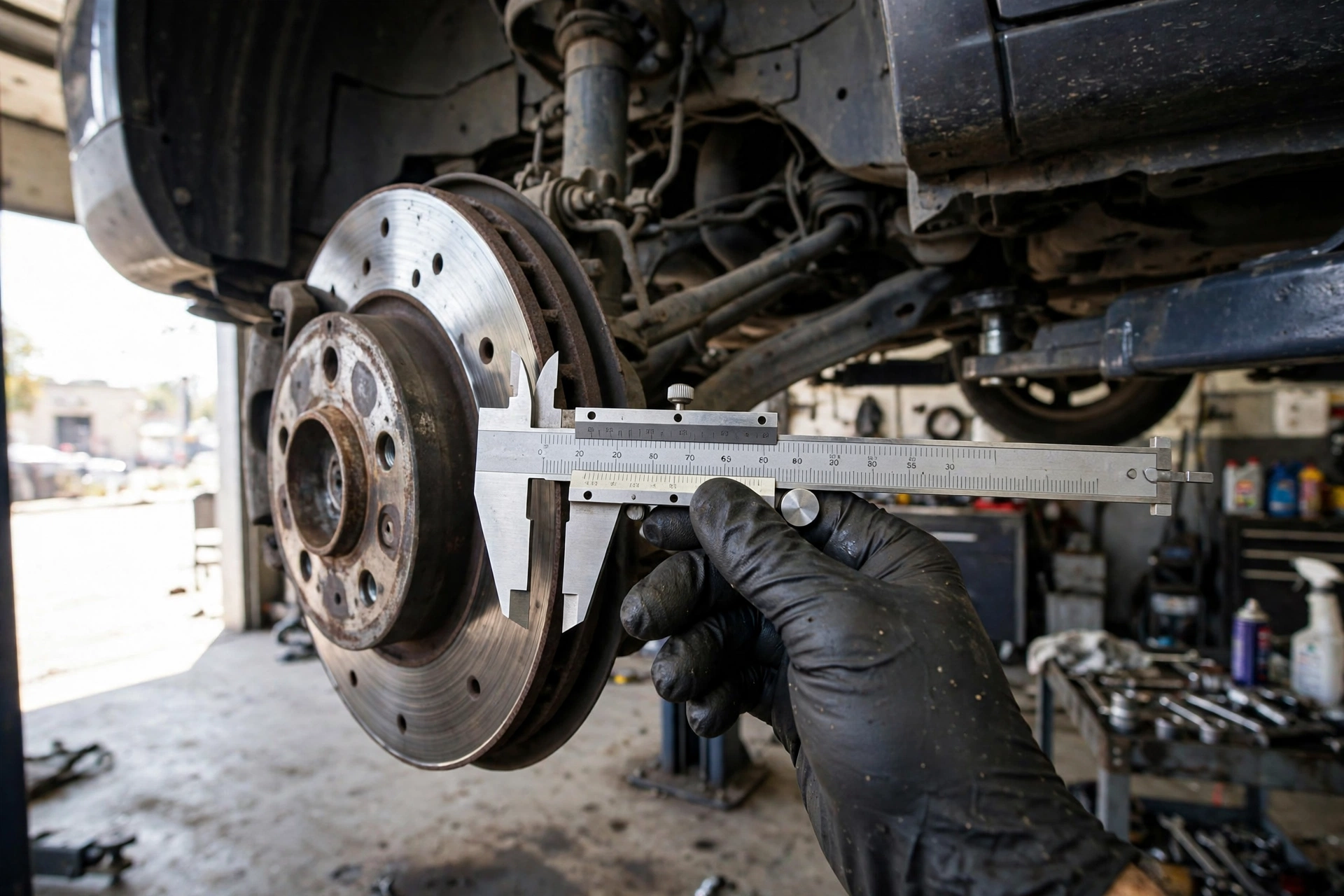
- Measure thickness if you have a micrometer or caliper. Compare your reading to the minimum thickness for your car, which is stamped on the rotor itself or listed in your owner's manual. A rotor at or below that minimum is done, no matter how it looks. Never guess at a thickness number, and never reuse a rotor that measures under spec.
- Spin the rotor by hand and watch for wobble. A rotor that visibly wobbles as it turns is warped or mounted on a dirty hub, and it will pulse when you brake.
- Repeat on the other side of the same axle. Rotors wear unevenly side to side sometimes, but you replace them in axle pairs, so both sides matter.
If you find cracks, a rotor under minimum thickness, or heavy scoring, stop driving on it except to get it fixed. Brakes are the one system where "it still kind of works" is not good enough.
Resurfacing vs Replacing
Resurfacing, also called turning, machines a thin layer off the rotor face to make it smooth and even again. It used to be the default move. These days, replacement usually wins, and here is why.
Resurfacing only works if the rotor has enough thickness left to stay above its minimum after machining, and only if it is not cracked or badly warped. Machining also makes the rotor thinner, which means it holds less heat and warps sooner next time. You pay for the machining labor and end up with a thinner rotor that has less life left.
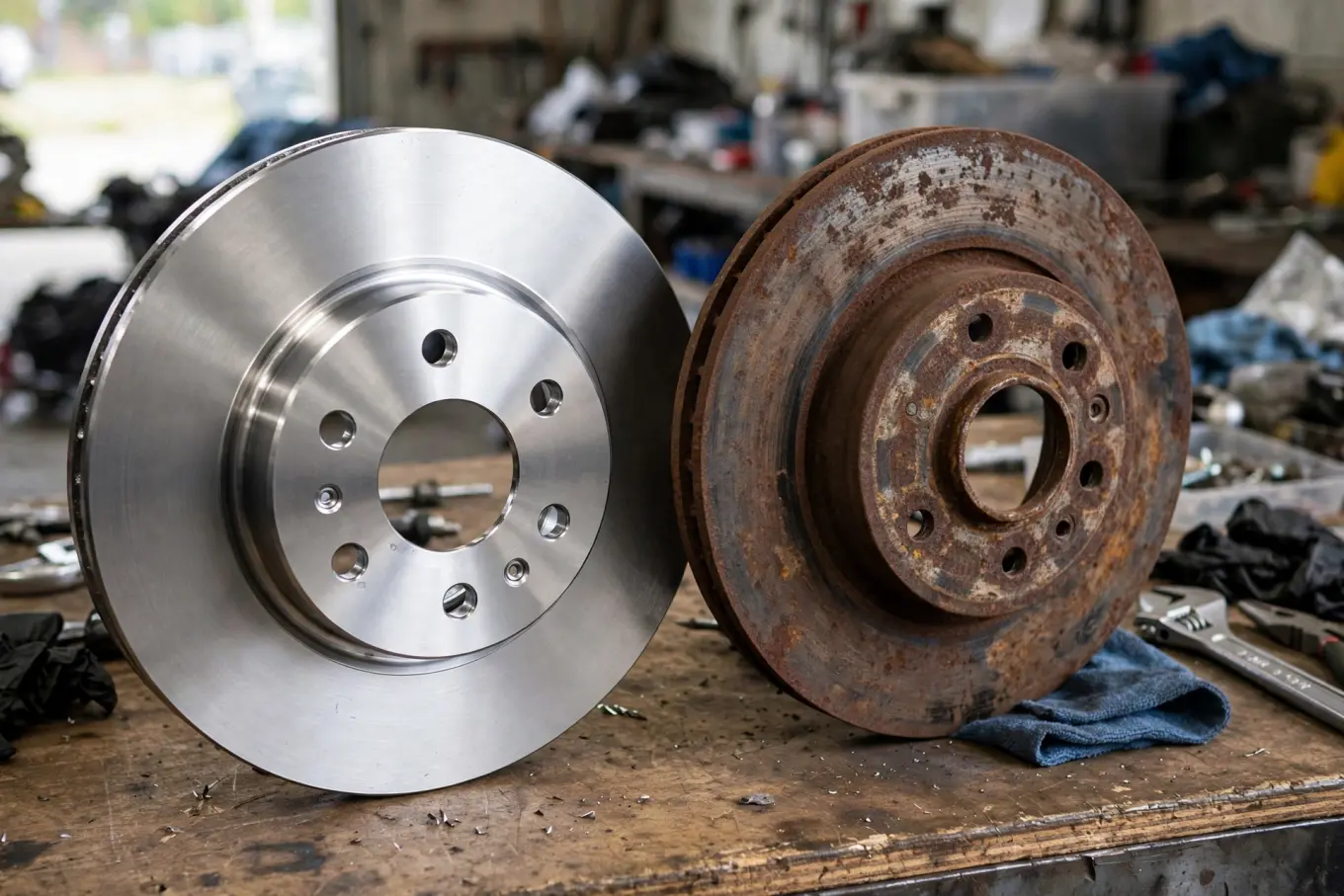
Replacement gives you a fresh, full-thickness rotor with a clean surface that beds in properly with new pads. Rotors themselves are a moderate-cost part, and most of a shop brake bill is labor, so the price gap between resurfacing and replacing is often smaller than people expect. For a DIY job, new rotors also skip the trip to a machine shop entirely.
If you replace, replace both rotors on the same axle together, and replace the pads at the same time. New pads on old rotors wear unevenly, and old pads on new rotors score the fresh surface. The pair goes together.
DIY vs Shop Verdict
Rotor replacement is one of the most approachable brake jobs for a home mechanic. If you can safely jack up your car, remove a wheel, and unbolt a caliper, you can do this job. The work is straightforward: wheel off, caliper off, caliper bracket off, old rotor off, new rotor on, everything back together in reverse, then the same on the other side.
A few things make the difference between a clean job and a comeback. Clean the hub face before the new rotor goes on, because rust or dirt trapped between hub and rotor will make the new rotor run crooked and pulse like a warped one. Do not let the caliper hang by its brake hose, support it with a hook or bungee. Do not touch the new rotor face with greasy hands, and clean off any protective coating per the instructions that come with the rotor. And follow the pad manufacturer's bed-in procedure after the job.
Where the shop earns its money is speed, stuck parts, and judgment. Rotors rusted solid to the hub, seized caliper slide pins, and stripped bolts turn a driveway job into a long afternoon. A shop also spots the things a first-timer misses, like a caliper that is dragging or a brake hose that is starting to fail. If your rotors are badly stuck, if you find a caliper problem while you are in there, or if you are not confident working with brakes, paying a shop is the right call. Brakes are safety equipment, not the place to learn by trial and error.
For model-specific steps with photos, see the 2016-2025 Chevrolet Malibu Brake Rotor Replacement guide, the 2001-2006 Acura MDX Front Brake Pad and Rotor Replacement guide, or the 2001-2006 Acura MDX Rear Brake Pad and Rotor Replacement guide. If your pads are the main issue rather than the rotors, start with Brake Pads: How to Know When They Are Done and Why You Can Not Ignore It, and if the pedal feels soft or spongy alongside the rotor symptoms, read Brake Fluid Flush: When You Need One and Why It Matters.
FAQ
Can I replace just the brake pads and keep the old rotors? Only if the rotors are smooth, thick enough, and free of grooves and cracks. If the rotors are scored, warped, or under minimum thickness, new pads will wear unevenly, stop poorly, and make noise. When in doubt, replace the pair together.
Do brake rotors need to be replaced in pairs? Yes, always both sides of the same axle. Uneven rotors cause uneven braking and pulling to one side. Front and rear axles are separate, so you can do the front pair without touching the rear.
Can I drive with warped rotors? For a short trip to get them fixed, yes, if braking still works. But warped rotors mean longer stops and pulsing that gets worse, and the uneven surface chews up pads. Do not put off the repair, and do not take a long trip on rotors you know are warped.
Why do my new rotors pulse right after replacement? The usual cause is a dirty hub face. Rust or debris trapped between the hub and the new rotor makes the rotor sit crooked, which feels exactly like warping. The fix is to pull the rotor, clean the hub face thoroughly, and reinstall. A skipped bed-in procedure can also leave uneven pad deposits that pulse.
Rotors are not glamorous, but they decide how your car stops. Pads get all the attention because they wear out first, and rotors quietly wear out right behind them. Learn the signs, check them when you check your pads, and replace them in pairs with fresh pads. It is one of the cheapest safety upgrades you can give an older car, and the braking feel afterward tells you immediately that it was worth doing.
Safety: Informational DIY. EZ Car Fix is not a shop or dealer.